Invite people to your organisation
Send an invitation by email, resend it, or take it back.
People join your organisation by invitation. They get an email with a link and choose a name and password.
Invite someone
- In the admin console, open Users and choose Invite user.
- Enter their email address and choose a role. See Roles and permissions if you are unsure.
- Send it.
You can also invite people during the welcome setup: see Set up your organisation.
The email names your organisation, the role, and the apps they will get access to. The link works for 7 days.
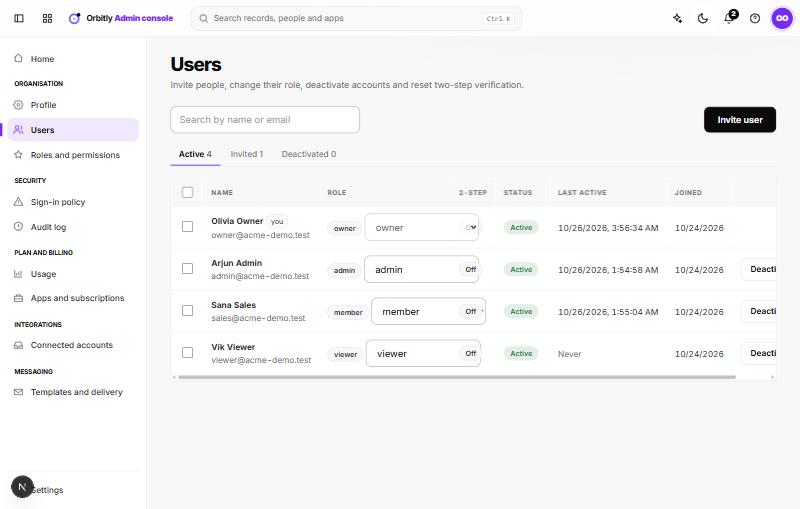
Pending invitations
The Invited tab lists invitations that have not been accepted. Choose Revoke to take one back; the link stops working at once. To send someone a new link, revoke the old invitation and invite them again.
Restrict who can be invited
In Sign-in policy, under Allowed email domains, list the domains you accept, for example your company's. Invitations to other addresses are then refused. See Sign-in policy.
Was this not what you needed? Contact support or search again.