Start a free trial
Paid apps start with a 14-day trial and no card. Free apps stay free.
Every paid Orbitly app starts with a 14-day trial. You do not enter a card to begin.
How a trial starts
- When you sign up. If you came from an app's page, that app is switched on for you with a trial.
- In the setup. Apps you choose in step 2 of Set up your organisation start their trial right away.
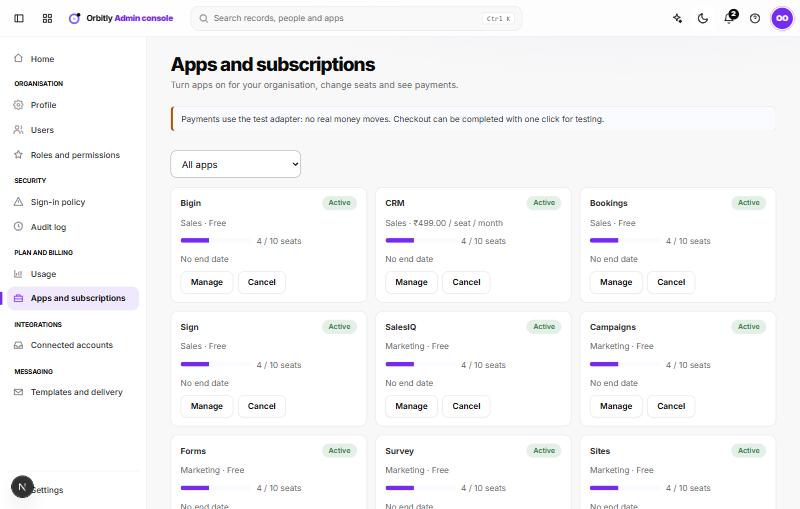
- Later. Open the admin console, go to Apps and subscriptions and use Start 14-day trial on the app's card. Free apps have a Turn on button instead.
Each app has one trial per organisation. Starting it again does nothing; it shows the days that are left.
See how many days are left
- On your Apps launcher, the app shows "Trial: 14 days left".
- In the admin console, a banner above Apps and subscriptions lists every app on trial and the days left, and each card shows the day the trial ends.
When the trial ends
You need a subscription to keep using the app. Your data is kept. See Subscribe to an app.
Was this not what you needed? Contact support or search again.